Incredibox Beatnik Simulator


Independent guide
Incredibox Beatnik Simulator
Created and owned by So Far So Good
The game is available on its official website.
Visit the official Incredibox demoPlayFiddleBops is an independent informational site and is not affiliated with or endorsed by So Far So Good.































About Incredibox Beatnik Simulator
Incredibox “Beatnik” Game Introduction
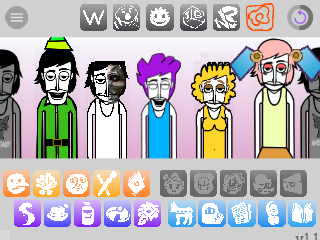
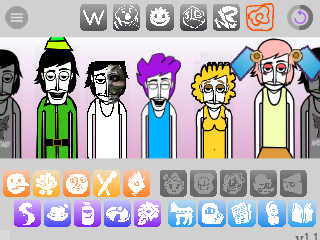
Incredibox Beatnik is a highly polished and artistically cohesive fan-made mod for the music creation game, Incredibox. It transports players to the smoky jazz clubs of the 1950s and 60s, with a theme centered around the “Beatnik” subculture—a movement known for its celebration of jazz, poetry, and nonconformity.
The objective is to engage in creative expression and puzzle-solving. Players can drag and drop icons onto the characters to layer different sounds and create their own laid-back jazz track. The challenge lies in discovering the three specific combinations of sounds that unlock the secret animated bonuses, each one a stylish nod to the Beatnik era.
Gameplay Strategy & Tips
The strategy in Incredibox Beatnik is all about creating a “vibe”—a smooth, cohesive groove—and unlocking the hidden bonuses.
-
Start with the Rhythm Section: To create an authentic jazz feel, begin by establishing a solid groove. Drag one or two icons from the “Beats” category (especially the upright bass and finger snaps) to set the foundation before adding other instruments.
-
Less is More: Unlike some high-energy mods, Beatnik thrives on a relaxed, minimalist feel. Sometimes the best compositions use fewer elements. Don’t feel obligated to use all seven character slots if a simpler arrangement sounds better.
-
Systematic Bonus Hunting: The bonus combos can be elusive. To find them, try locking in a solid bassline and rhythm, then methodically cycle through the melody and voice icons one by one. This increases your chances of finding a winning combination.
-
Feel the Vibe: The best tip is to immerse yourself in the theme. Create a track that you would want to hear while sipping coffee in a dimly lit café. The more you connect with the “cool” aesthetic, the more intuitive your combinations will become.
Controls Guide
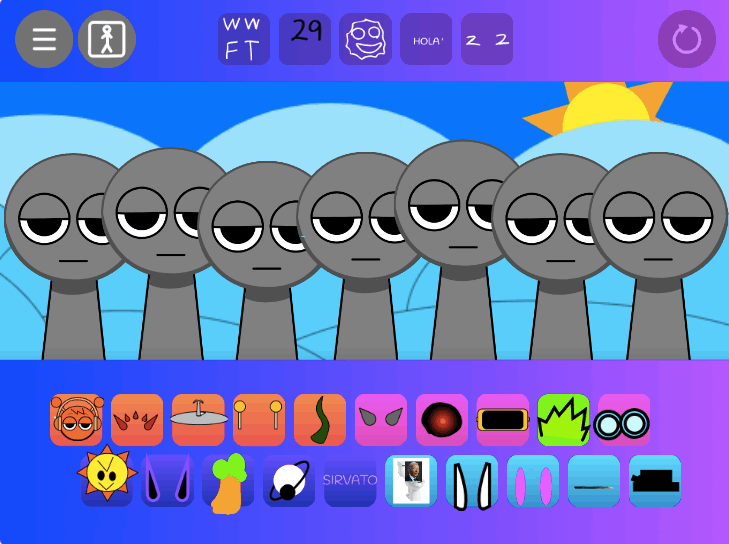
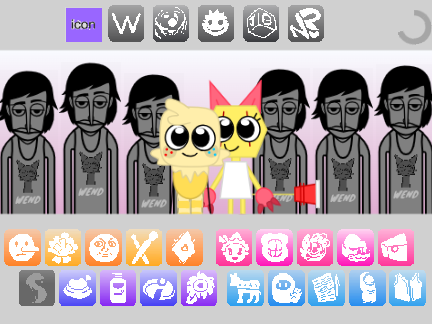
The controls follow the standard, intuitive drag-and-drop interface of the official Incredibox games.
- Add a Sound:
Draga sound icon from the bottom anddropit onto a character. - Remove a Sound:
Clickthe “X” on an active sound icon at the bottom, ordraga new sound onto an existing character to replace it. - Mute / Unmute:
Clickon a performing character to mute them;clickagain to unmute. - Solo:
Clickthe small button next to an active character to mute all other performers. - Record:
Clickthe record button to start and stop recording your musical creation.