Incredibox Riser



Independent guide
Incredibox Riser
Created and owned by So Far So Good
The game is available on its official website.
Visit the official Incredibox demoPlayFiddleBops is an independent informational site and is not affiliated with or endorsed by So Far So Good.



































About Incredibox Riser
Incredibox Riser Game Introduction
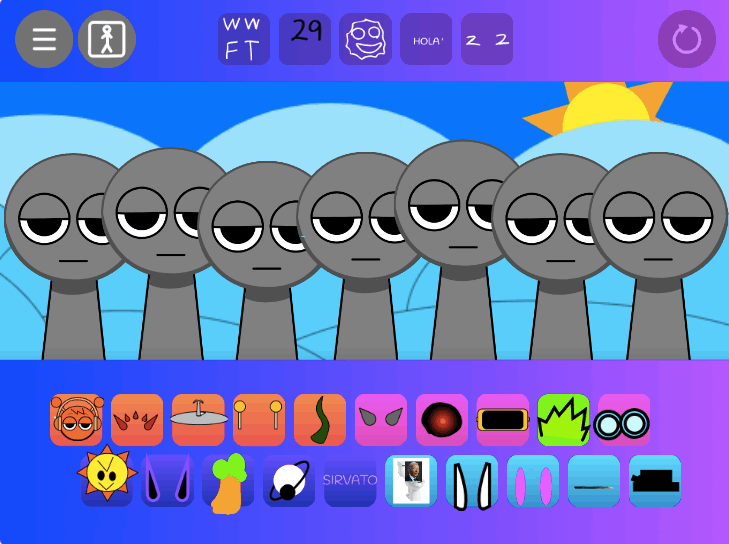
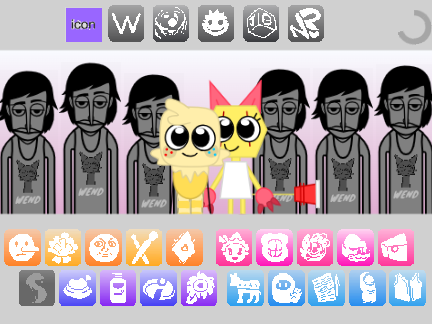
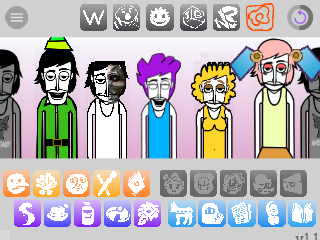
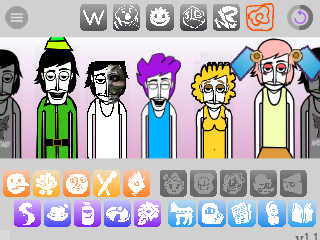
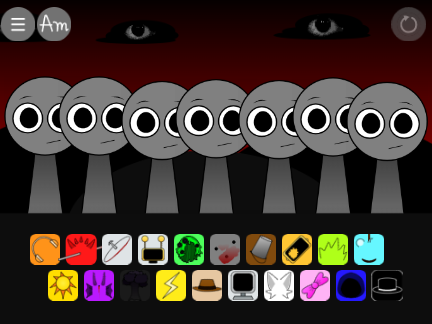
Incredibox Riser is a popular and atmospheric fan-made mod for the music creation game Incredibox. The game utilizes the classic Incredibox drag-and-drop gameplay. Players are given a palette of 20 unique sound icons to assign to their crew of seven performers. The sound library is a cinematic blend of ambient electronic music, soaring synth melodies, and futuristic sound effects, designed to create a sense of wonder and exploration.
Gameplay Strategy & Tips
Strategy in Incredibox Riser is about building a sense of scale and journey, layering sounds to create an epic, cinematic track.
-
Understand the Cosmic Sound Palette:
- Beats: The rhythms are clean and futuristic. Expect to find pulsing electronic beats, deep sub-bass patterns, and precise, synthetic percussion that provides a steady, driving pulse.
- Effects: This category is key to the sci-fi atmosphere. It includes sounds like spacey synth pads, the static of radio transmissions, ethereal drones, and other ambient textures that create a feeling of infinite space.
- Melodies: The melodies are often grand and soaring. This category features memorable arpeggiated synth lines, powerful lead melodies, and cosmic-sounding hooks that give the track its emotional weight.
- Voices: Vocals are heavily processed to sound futuristic or alien. Look for vocoder harmonies, robotic chanting, and ethereal, choir-like vocal pads.
-
Create a Crescendo: The name “Riser” suggests building intensity. Many of the sounds may have a rising or evolving quality. Experiment with layering sounds to create a powerful crescendo, starting small and building towards an epic climax.
-
Systematic Bonus Hunting: To find the three secret bonuses, be methodical. Establish a core atmospheric and rhythmic base, then systematically swap out the melody and voice icons one by one until you trigger one of the sci-fi animations.
If you are new to the format, start by trying to play Incredibox online free so the basic drag-and-drop music loop feels familiar before you explore Riser’s sci-fi sound palette.
Controls Guide
The controls follow the standard, intuitive drag-and-drop interface of the official Incredibox games.
- Add a Sound:
Draga sound icon from the bottom anddropit onto one of the characters. - Remove a Sound:
Clickthe “X” on an active sound icon at the bottom, ordraga new sound onto an existing character to replace it. - Mute / Unmute:
Clickon a performing character to mute them;clickagain to unmute. - Solo:
Clickthe small button next to an active character to mute all other performers. - Record:
Clickthe record button to start and stop recording your cosmic journey.
Frequently Asked Questions (FAQ)
1. Is this an official Incredibox version? No. It is a fan-made mod created by BadSnacks. It is not affiliated with the official Incredibox team, So Far So Good.
2. Where can I play this mod? You will not find it on official platforms. Mods like Riser are typically hosted on game modding websites like Scratch or showcased on YouTube, often with a link provided to play the mod directly in a web browser.
3. Are the bonus solutions for “Riser” available online? Yes. If you’re having trouble finding the combinations for the animations, a quick search for “Incredibox Riser combos” on YouTube will show you the solutions.