Incredibox Studio

Independent guide
Incredibox Studio
Created and owned by So Far So Good
The game is available on its official website.
Visit the official Incredibox demoPlayFiddleBops is an independent informational site and is not affiliated with or endorsed by So Far So Good.
























About Incredibox Studio
Incredibox Studio Introduction
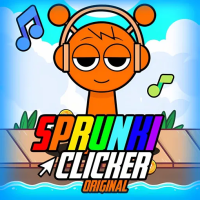
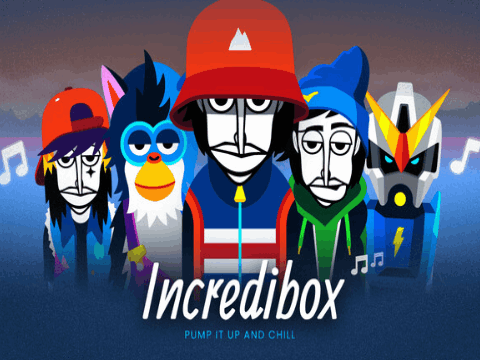
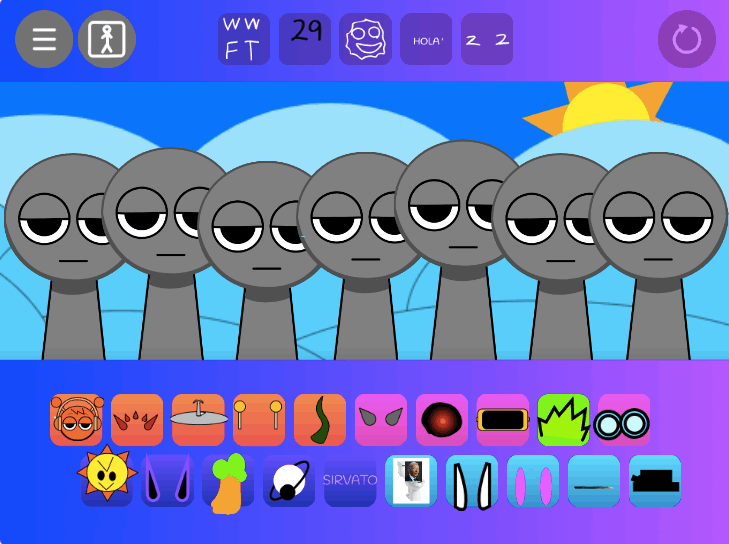
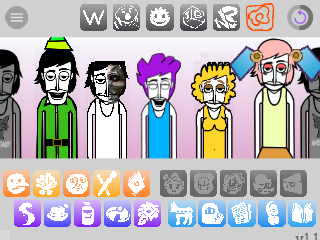
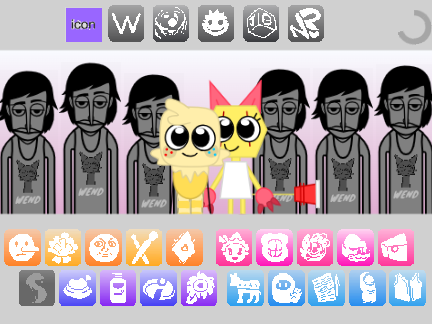
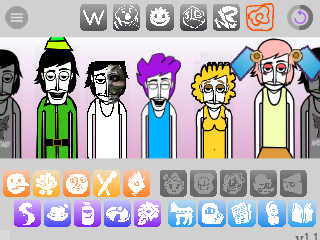
Incredibox Studio is a fan-made project. Unlike the official Incredibox versions, which are based on pre-defined sets of sounds, this “Studio” version offers a sandbox-like experience. Players are given a wide array of sounds and effects to drag, drop, and mix, empowering them to create their own unique beats and musical compositions from scratch. It’s a creative playground for fans of the original game who want to explore their own musical ideas.
Gameplay Strategy / Creative Tips
- Since this is a sandbox, the “strategy” is about creativity.
- Build a Foundation: Start with a solid beat and a bass line. This provides the backbone for your track.
- Layer Sounds: Gradually add melodies, harmonies, and vocal effects. Don’t add too many sounds at once, as it can become chaotic.
- Experiment: The key is to experiment. Drag and drop different sounds to see what works well together. Some combinations might unlock special animations or chorus effects.
- Use Mute/Solo: Isolate specific tracks using the mute or solo buttons to fine-tune each part of your composition.
Controls Guide
- The game is controlled entirely with the
mouse.- Add Sound:
Dragan icon from the bottom panel anddropit onto one of the characters. - Remove Sound:
Draga character’s icon off of them. - Mute/Solo:
Clickthe headphones or speaker icon next to a character to solo or mute their sound. - Record:
Clickthe record button (usually a red circle) at the top to start and stop recording your mix.
- Add Sound:
Frequently Asked Questions (FAQ)
-
Q: Can I save the music I create?
- A: Yes, most versions have a recording feature that allows you to save your mix and often provides a shareable link. However, the music is for personal, non-commercial use only.
-
Q: Where can I play it?
- A: It is playable directly in a web browser via the provided playfiddlebops.com link.